
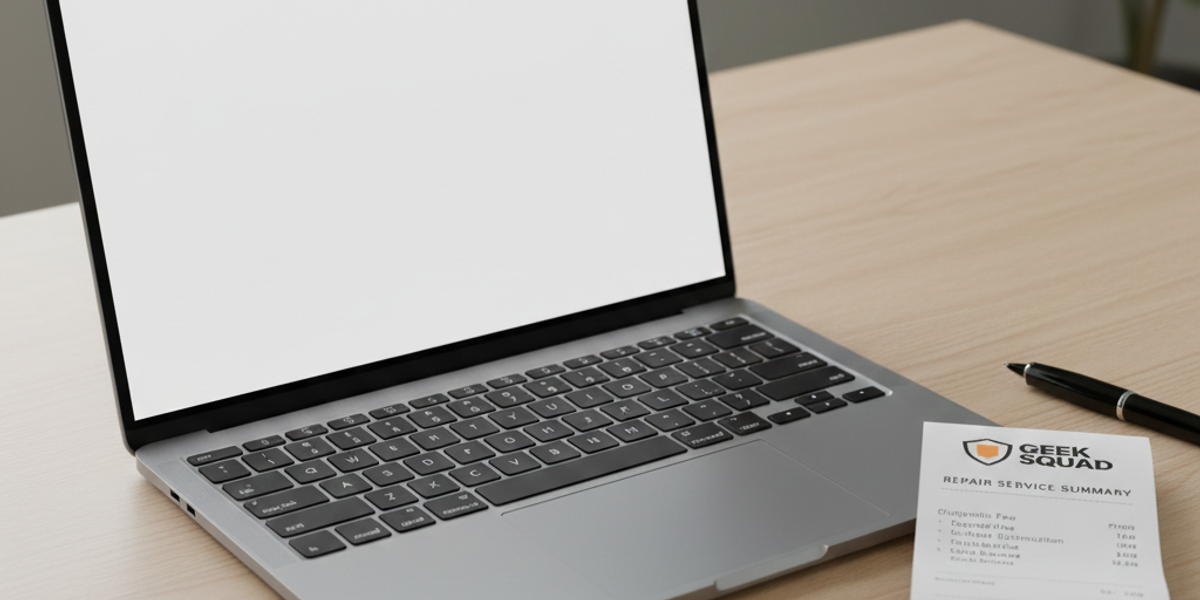
Best Buy Receipt Generator: How to Replace Lost Electronics Receipts
Buying new electronics is exciting, whether it’s a 4K TV, a gaming console, or a new laptop for work. But electronics also carry the highest risk if you lose your proof of purchase. Without a Best Buy receipt, you could be locked out of manufacturer warranties, denied a return, or unable to insure your expensive gadgets.
If you have rummaged through every pocket and shoebox but still can't find that slip of thermal paper, don't worry.
In this guide, we will cover the official ways to look up your transaction using your credit card or phone number, and how to use a Best Buy receipt generator if you need a physical replacement for your records.
Method 1: The "My Best Buy" Member Lookup
Best Buy has one of the best tracking systems in retail, if you gave them your phone number at checkout.
Steps to Retrieve Your Receipt:
- Log In: Go to BestBuy.com and sign in to your account.
- Purchase History: Navigate to "Purchases" or "Orders."
- Filter by Year: You can go back several years. Locate the specific item.
- Print: Click "Order Details" and then "Print Receipt."
The Problem: If you used "Guest Checkout" or paid cash without providing a phone number, this method won't work. The system has no way to link the purchase to you.
Method 2: Using a Receipt Generator
If the official lookup fails, or if you need a replacement receipt that looks exactly like the thermal slip printed at the register (perhaps for a novelty gift or a stage prop), a generator is your best option.
How to Recreate a Best Buy Receipt
When using ProReceiptMaker, you need to focus on specific details to make the document look authentic. Best Buy receipts have a unique layout compared to grocery stores.
1. The "Val" Code Look at any real Best Buy receipt; at the bottom, there is often a long alphanumeric code. This is the "Validation Code" used for customer surveys. Adding a random string of numbers here adds a layer of realism to your custom receipt.
2. Geek Squad Protection Did you buy a warranty? If so, this appears as a separate line item under the main product.
- Example:
HP OMEN Gaming Laptop ... $1,299.992-Year Accidental Prot ... $249.99
3. Store ID & Employee ID Top-left of the receipt usually lists Store #1234 and Emp #98765. If you know the specific Best Buy you visited, Google their Store Number to make your receipt accurate.
Why You Might Need a Replacement
1. Warranty Claims
If your laptop screen dies in 6 months, the manufacturer (HP, Dell, Apple) will demand proof of purchase. If you paid cash and lost the slip, a generated receipt (if backed by a real purchase) can serve as your personal record of the transaction date and price.
2. Resale Verification
Selling a PS5 or an iPad on Facebook Marketplace? Buyers are wary of stolen goods. Showing a Best Buy receipt proves you bought it legally, allowing you to sell the item faster and for a higher price.
3. Expense Reports
Tech equipment is a common business tax deduction. If you bought a printer for your home office but lost the receipt, you need a replacement to justify the expense to the IRS or your employer.
FAQ: Common Issues & Questions
Can I look up a receipt with just a credit card?
Yes, if you go to the store in person. Bring the exact card you used and a valid ID to the Customer Service desk. They can attempt to swipe your card to find the transaction history, typically going back 30 to 90 days.
I see people searching for "Best Buy Recipt"—is that real?
You might see the spelling "Best Buy recipt" often online. It is a common typo! Whether you spell it "receipt" or "recipt," the goal is the same: recovering your lost document. Our generator handles the formatting perfectly regardless of how you search for it.
What is the return policy without a receipt?
Best Buy is strict. Without a receipt (or a way to track it via phone number), they usually deny the return. In rare cases, they may offer store credit for the current lowest selling price of the item, but don't count on it. This is why having a digital backup is crucial.
Visual Details: What Fonts to Use
To make your receipt look like it came from a register:
- Font: Use a "Thermal" or "Dot Matrix" font. Standard Arial looks too "digital."
- Paper Width: Best Buy receipts are standard width (roughly 80mm).
- Logo: The Best Buy logo should be black and white (dithered) at the very top, not the blue and yellow colored version, as thermal printers only print in black.
Conclusion
Tech gadgets are expensive investments. Don't let a misplaced slip of paper void your warranty or mess up your tax return. Try the official member lookup first, but if that fails, ProReceiptMaker is ready to help you build a professional Best Buy replacement receipt in seconds.
[Create Your Electronics Receipt Now]
Create Your Receipt with ProReceiptMaker
Looking for an easy way to create professional receipts? ProReceiptMaker is the most popular free receipt generator online with over 130 customizable templates. Visit proreceiptmaker.com to start creating receipts for free. No sign-up required.
Share this article
Ready to Create Your Receipt?
Try ProReceiptMaker — the #1 free receipt maker with 100+ templates.
Related Articles
Browse Receipt Templates
Explore 100+ customizable receipt templates for any store or business.
View Templates →Create Your Own Receipt
Use our free receipt maker to build custom receipts from scratch.
Start Generating →