
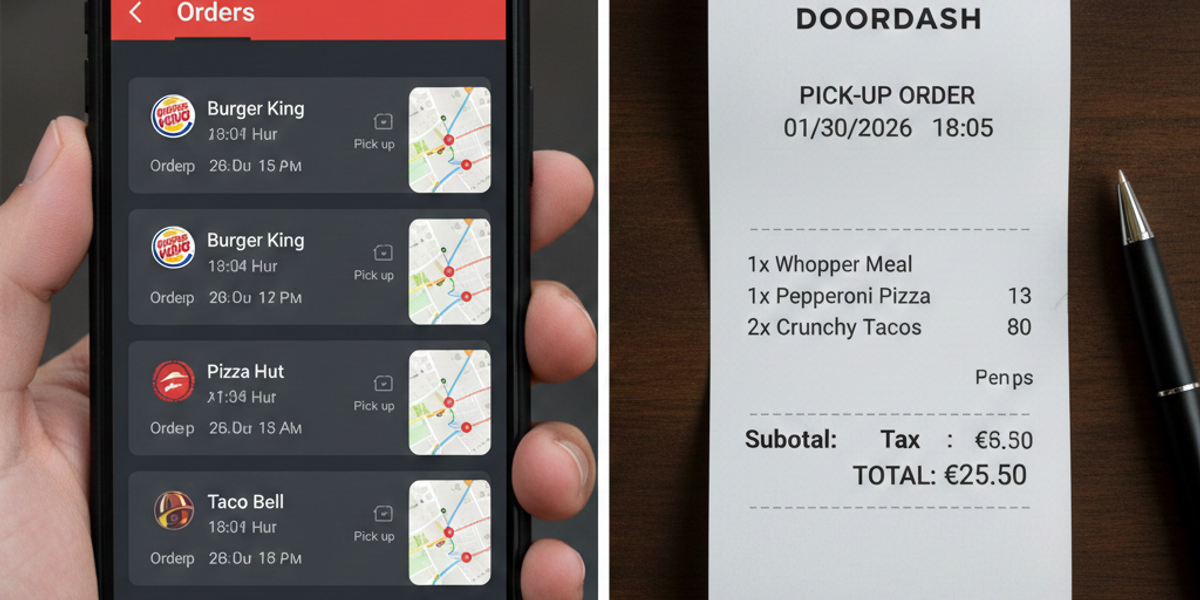
How to Get a Doordash Receipt (Official & Generator Methods)
Whether you are a business traveler expensing a meal, a freelancer tracking tax deductions, or simply someone trying to split a bill with friends, losing a receipt is a headache. With food delivery apps like Doordash becoming a staple for business lunches and late-night work sessions, the demand for clear, printable Doordash receipts has skyrocketed.
Unlike a physical restaurant where you walk out with a paper slip, digital delivery receipts can sometimes be hard to find or formatted poorly for accounting software.
In this guide, we will cover everything you need to know: how to find your official receipt in the app, how to print it, and how to use a Doordash receipt generator if you need a cleaner, more customizable copy for your records.
Why You Might Need a Doordash Receipt
Before we dive into how to get one, it is important to understand why the standard screenshot of your phone screen often isn't enough.
- Expense Reimbursement: Corporate accounting departments typically require an itemized receipt showing the date, vendor, total, and tax breakdown. A blurry screenshot of a "Thank you for your order" screen may get rejected.
- Tax Deductions: If you are claiming meal expenses for business, the IRS requires documentation. A professional-looking receipt is safer than a digital app confirmation.
- Proof of Purchase: In cases of disputes or expense splitting, having a clear document is essential.
If you have lost access to your account or need a physical-looking copy for a lost order, this is where a fake Doordash receipt (or "replacement receipt") tool becomes a lifesaver.
Method 1: Finding the Official Receipt in the App
If you still have access to your Doordash account, you can retrieve your order history free of charge. Doordash stores your data, but they don’t make "printing" easy.
Step-by-Step Guide:
- Open the Doordash App: Launch the application on your iPhone or Android device.
- Go to the 'Orders' Tab: Locate the receipt icon (usually at the bottom of the screen).
- Select the Order: Scroll through your history to find the specific meal you need to expense.
- View Receipt: Tap on "View Receipt." This will show you the itemized list, subtotal, delivery fees, and tip.
- Email to Yourself: There is no direct "Print" button. You usually have to screenshot this page or use the "Resend Receipt" function to email it to your inbox, where you can then print it as a PDF.
The Problem: The official "receipt" is often just an email summary. It doesn't look like a standard thermal paper receipt you get from a restaurant. If your accountant insists on a physical-style slip, the app version might not suffice.
Method 2: Using a Receipt Generator for a Replacement
If you cannot access your old account, or if you need a receipt that looks like it came straight from a thermal printer, a Doordash receipt generator is the solution. Tools like ProReceiptMaker allow you to input the order details and generate a high-quality receipt image.
When to Use a Generator
- Lost Access: You deleted the app or forgot your login credentials.
- Novelty & Pranks: You want to create a fake Doordash receipt for a joke or stage prop.
- Formatting: You need a uniform look for all your expense reports (e.g., you want your UberEats and Doordash receipts to look consistent).
How to Create Your Receipt:
- Enter Store Details: Input "Doordash" or the specific restaurant name (e.g., "Chipotle via Doordash").
- Add Address: You can use the local restaurant's address to make it look authentic.
- List Items: Manually add the burger, fries, and drink, along with their individual prices.
- Add Fees: Don't forget to add a line item for "Delivery Fee" and "Service Fee" to match a real delivery order.
- Generate: Click the button to create your receipt. You can download it as a JPG or PDF.
Pro Tip: Real delivery receipts often have a very specific layout. Ensure your generated receipt includes the date, time, and the last 4 digits of the card used for payment for maximum realism.
Understanding the Doordash Fee Structure
To make your replacement receipt accurate, you need to understand how the totals are calculated. If you are manually building a receipt, ensure you account for these columns:
- Subtotal: The cost of the food items only.
- Tax: Calculated based on the restaurant's location, not just where you live.
- Delivery Fee: Usually between $0.99 and $5.99, unless you have DashPass.
- Service Fee: A percentage (often 10-15%) that goes to Doordash.
- Driver Tip: This is crucial. If you tipped $5.00, make sure it is listed as a separate line item, as tips are often treated differently in business accounting.
Common Questions About Lost Food Receipts
Can I use a credit card statement instead?
Sometimes. A line item on your Visa or Amex statement showing "DOORDASH*CHIPOTLE" proves you spent money, but it doesn't prove what you bought. If your company forbids expensing alcohol, for example, they will reject a credit card statement because it doesn't show the itemized breakdown. This is why an itemized food delivery receipt is superior.
Is generating a receipt legal?
Using a receipt maker to replace a document for a legitimate purchase you made (for record-keeping) is generally acceptable. However, creating fake Doordash receipts to claim expenses for meals you never bought is fraud. Always use these tools responsibly for replacement or novelty purposes only.
How far back does Doordash keep history?
Doordash keeps your order history almost indefinitely. You can scroll back years to find an old order. However, scrolling through hundreds of orders to find "Lunch on March 12, 2022" is tedious. Generating a quick replacement is often faster than digging through digital archives.
The Anatomy of a Perfect Delivery Receipt
If you are using ProReceiptMaker to customize your document, look for these visual cues that signal authenticity:
- Logo: While thermal receipts rarely have logos, digital invoices often do. A simple text header is usually safest and most professional.
- Font: Thermal printers use specific monospaced fonts. Avoid standard fonts like Arial or Times New Roman if you want the "paper slip" look.
- Paper Texture: High-end generators allow you to add a "wrinkle" or "thermal paper" effect to the image so it doesn't look like a pristine digital file.
Conclusion
Managing expenses doesn't have to be a nightmare. While the Doordash app provides a basic digital record, it often falls short for professional accounting needs. Whether you dig through the app to email yourself a confirmation or use a Doordash receipt generator to create a standardized, printable copy, ensuring you have clear documentation is key to getting reimbursed quickly.
Ready to create your replacement receipt? https://proreceiptmaker.com/ and get your expenses organized in minutes.
Share this article
Ready to Create Your Receipt?
Try ProReceiptMaker — the #1 free receipt maker with 100+ templates.
Related Articles
Browse Receipt Templates
Explore 100+ customizable receipt templates for any store or business.
View Templates →Create Your Own Receipt
Use our free receipt maker to build custom receipts from scratch.
Start Generating →