
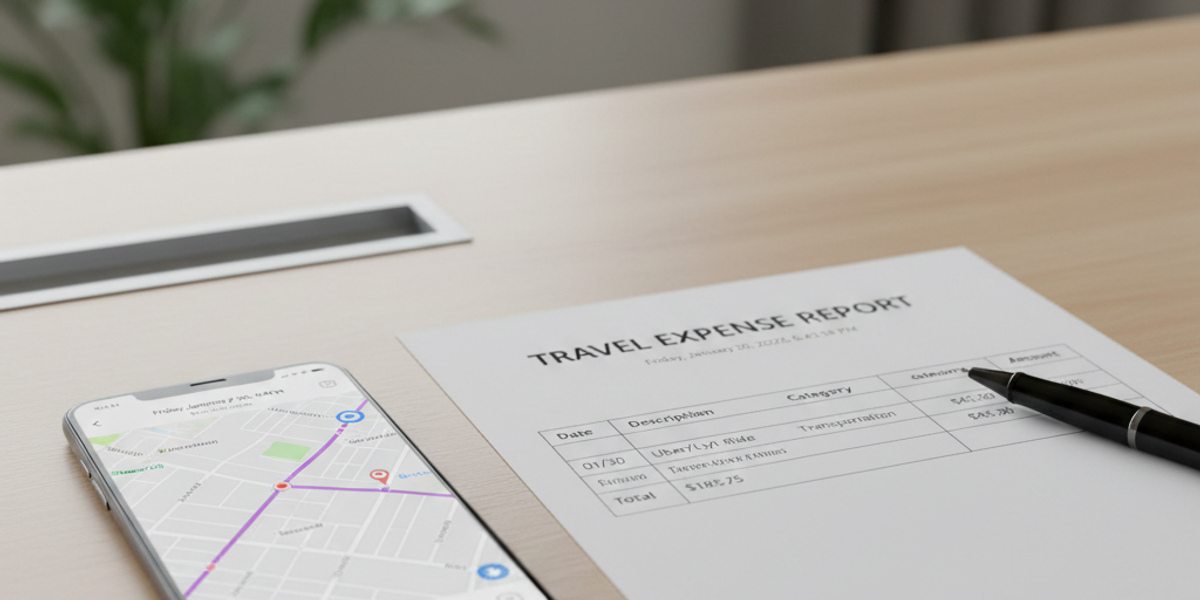
Uber & Lyft Receipt Generator: How to Get Receipts for Business Travel
Whether you need a Lyft receipt for expense reimbursement, tax deductions, or personal record-keeping, getting your ride receipt is straightforward. This comprehensive guide covers everything from finding receipts in the Lyft app to creating formatted receipts for your records.
How to Find Your Lyft Receipt in the App
After completing a Lyft ride, a receipt is automatically emailed to the email address associated with your Lyft account. You can also find all your ride receipts directly in the Lyft app by opening the app, tapping the menu icon in the top-left corner, selecting Ride History, tapping on any specific ride, and then selecting View Receipt or Email Receipt.
The Lyft app stores your complete ride history going back years, so you can access receipts from old rides at any time. Each receipt shows the full fare breakdown, route map, and payment details.
What Information Is on a Lyft Receipt?
A standard Lyft receipt includes the pickup and dropoff addresses, the date and time of your ride, a detailed fare breakdown showing base fare, distance charges, time charges, platform fee, and any tolls or surcharges. It also shows your tip amount, the total charged to your payment method, the driver name, and the vehicle information.
Lyft Receipt for Business Expense Reports
If you use Lyft for business travel, your receipts are essential for expense reimbursement. Most companies accept the emailed Lyft receipt or a screenshot from the app. For Lyft Business accounts, receipts can be automatically forwarded to your company expense management system like Concur, Expensify, or Certify.
The IRS allows deductions for business transportation expenses. Keep your Lyft receipts organized by month and annotate them with the business purpose of each ride. This documentation is critical if you are ever audited.
How to Download or Print a Lyft Receipt
To download a Lyft receipt as a PDF, open the receipt in the Lyft app or your email, then use your device print function and select Save as PDF. On desktop, visit ride.lyft.com, log in, and access your ride history to download receipts directly.
Create a Custom Lyft Receipt with ProReceiptMaker
Sometimes you need a formatted receipt for budgeting purposes or cannot access your Lyft account. ProReceiptMaker offers a free ride receipt generator that creates professional Lyft-style receipts with all the details including pickup and dropoff locations, fare breakdown, distance, duration, tip, and driver information.
Ready to create your own ride receipts? Try ProReceiptMaker free at proreceiptmaker.com - no sign-up required. Choose from 130+ templates, customize every detail, and download as PDF or image in seconds.
Frequently Asked Questions About Lyft Receipts
Can I get a Lyft receipt without the app? Yes, visit ride.lyft.com from any web browser and log in with your Lyft credentials to access your complete ride history and receipts.
How far back can I find Lyft receipts? Lyft stores your entire ride history from the day you created your account. You can access receipts from rides taken years ago.
Are Lyft receipts accepted for tax deductions? Yes, Lyft receipts are valid documentation for claiming business transportation expenses on your tax return. Keep them organized and note the business purpose of each ride.
Start creating professional ride receipts right now at proreceiptmaker.com. It is completely free, works on any device, and requires no account or download. Join thousands of users who trust ProReceiptMaker for their receipt needs.
Share this article
Ready to Create Your Receipt?
Try ProReceiptMaker — the #1 free receipt maker with 100+ templates.
Related Articles
Browse Receipt Templates
Explore 100+ customizable receipt templates for any store or business.
View Templates →Create Your Own Receipt
Use our free receipt maker to build custom receipts from scratch.
Start Generating →