
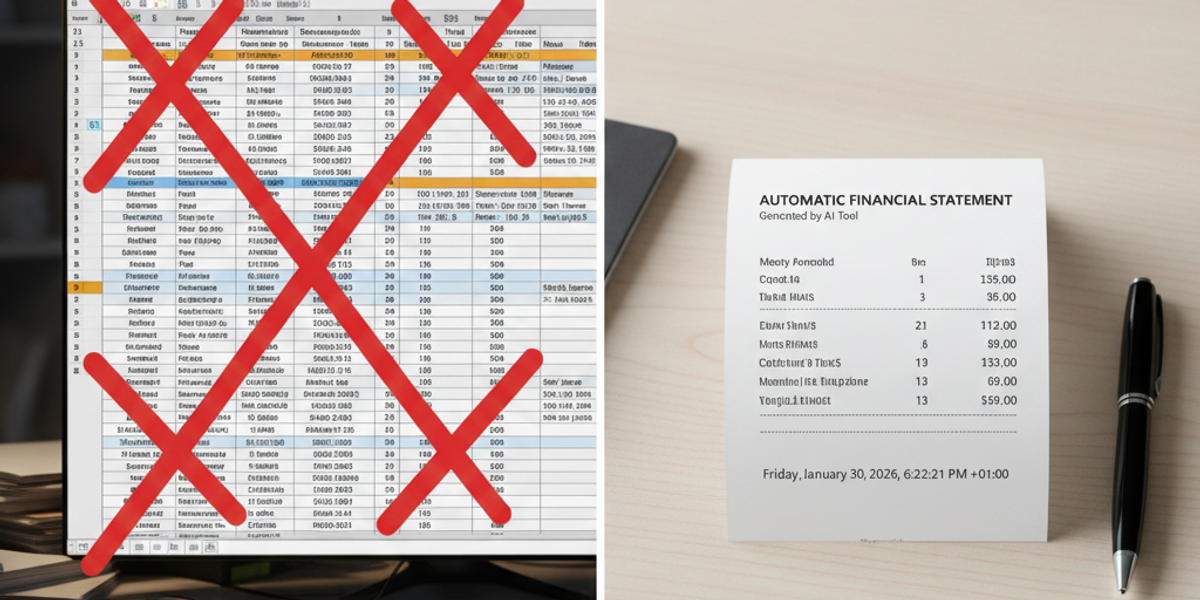
The Ultimate Online Receipt Maker Guide for Small Business & Freelancers
If you run a small business, work as a freelancer, or manage a rental property, you know the struggle of paperwork. You provide a service, the client pays you, and then they ask: "Can you send me a receipt?"
You could open Microsoft Word, struggle with formatting tables, and spend 15 minutes trying to make it look professional. Or, you could use an online receipt maker to generate a perfect, branded document in 30 seconds.
In the digital age, handwritten scribbles on napkins or clunky Excel templates don't cut it. Clients expect professional documentation. Whether you need to make a receipt for a sold item, a service rendered, or expense reimbursement, a dedicated generator is the most powerful tool in your admin arsenal.
Why Use a Receipt Generator vs. Excel Templates?
Many business owners start with free templates, but they quickly hit a wall. Here is why switching to a dedicated tool like ProReceiptMaker is a game changer for your workflow.
1. Speed & Automation
With an Excel template, you have to manually calculate taxes, subtotals, and grand totals. One wrong formula, and your math is off. A receipt generator does the math for you instantly. You just enter the price, and the tax is calculated automatically.
2. Professional Appearance
First impressions matter. Sending a receipt that looks like a generic spreadsheet screams "amateur." A generator allows you to:
- Add your Business Logo.
- Include a scannable Barcode or QR Code.
- Use professional Thermal Fonts (for that "printed at the register" look).
3. Standardization
If you have multiple employees, you don't want everyone sending different looking documents. A central tool ensures every sales receipt or service invoice follows the same format, keeping your brand consistent.
Top Use Cases for an Online Receipt Maker
Who actually uses these tools? It's not just retail stores.
1. Landlords & Property Managers
Tenants often require proof of payment for their own tax records. A rent receipt generator allows landlords to quickly email a PDF confirming the monthly payment has been received.
2. Freelancers & Contractors
From graphic designers to plumbers, getting paid is half the battle. Sending a receipt immediately after payment builds trust and closes the transaction loop professionally.
3. Replacement & Expense Tracking
This is one of the most common uses. If you lost a receipt for a legitimate business expense—like a gas station receipt or a Doordash meal—you can use a generator to create a replacement record for your accounting team, ensuring you get reimbursed.
Related: [How to Make a Gas Receipt for Reimbursement] Related: [Recovering Lost Doordash Receipts]
How to Create a Custom Receipt in 4 Steps
Using ProReceiptMaker is designed to be intuitive. You don't need graphic design skills.
Step 1: Choose Your Template Do you need a "Thermal Style" (skinny, like a grocery store) or a "Full Invoice" (A4/Letter size)?
- Use Thermal for: Retail sales, restaurants, taxis, and gas.
- Use Full Invoice for: Consulting, rent, and large contractors.
Step 2: Enter Business Details Fill in your business name, address, and phone number. If you are creating a replacement for a lost receipt, ensure you use the correct store address (e.g., the specific Walmart or Apple Store location).
Step 3: List Your Items Add your products or services. Be descriptive! Instead of "Service," try "Web Design Consultation - 2 Hours."
- Tip: Don't forget to set the correct currency (USD, EUR, GBP) if you work internationally.
Step 4: Download & Send Once you hit "Generate," you can download the file as a high-quality JPG or PDF. Email it directly to your client or print it out for your files.
Key Features to Look for in a Free Receipt Maker
Not all tools are created equal. When choosing a receipt creator, ensure it has these essential features:
- Currency Support: Can it handle international currencies?
- Logo Upload: Can you remove the generator's branding and add your own?
- Signature Field: For services, a signature adds a layer of legal validity.
- Tax Customization: Can you adjust the tax rate to match your local state or country laws?
FAQ: Common Questions About Receipt Generation
Is a generated receipt legal?
Yes. A receipt is simply a written acknowledgment that value has been exchanged. As long as the transaction actually occurred, a receipt you create yourself is a valid legal document. (Note: Creating fake receipts for transactions that never happened to claim tax deductions is illegal).
What is the difference between an Invoice and a Receipt?
An Invoice is a request for payment ("You owe me $100"). A Receipt is proof of payment ("You have paid $100"). You send the invoice before you get paid, and the receipt after.
Can I make a receipt on my phone?
Absolutely. ProReceiptMaker is mobile-optimized, so you can generate a parking receipt or taxi receipt right from your car before you even leave the lot.
Conclusion
Your time is money. Stop wasting it wrestling with spreadsheets. Whether you are a landlord sending a rent acknowledgment, a freelancer closing a project, or an employee replacing a lost travel expense document, an online receipt maker is the fastest, most professional solution.
[Try the Free Receipt Generator Now] and upgrade your paperwork today.
Create Your Receipt with ProReceiptMaker
Looking for an easy way to create professional receipts? ProReceiptMaker is the most popular free receipt generator online with over 130 customizable templates. Visit proreceiptmaker.com to start creating receipts for free. No sign-up required.
Share this article
Ready to Create Your Receipt?
Try ProReceiptMaker — the #1 free receipt maker with 100+ templates.
Related Articles
Browse Receipt Templates
Explore 100+ customizable receipt templates for any store or business.
View Templates →Create Your Own Receipt
Use our free receipt maker to build custom receipts from scratch.
Start Generating →