
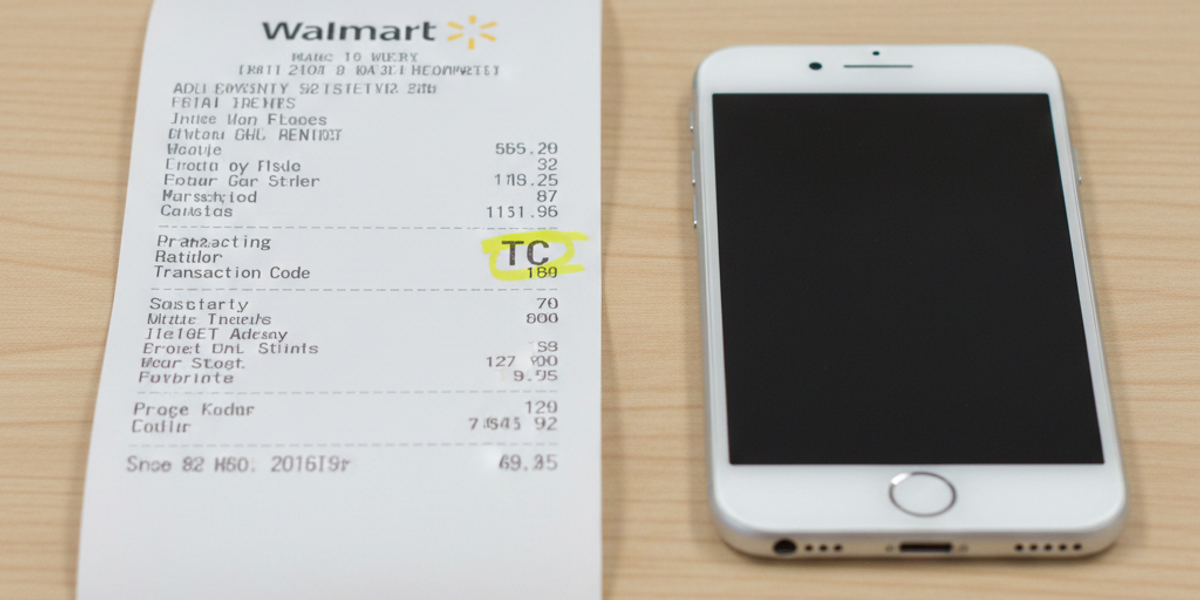
Walmart Receipt Generator: How to Replace or Look Up a Lost Receipt
We have all been there: You bought a TV, a blender, or a week's worth of groceries, and the moment you need to return an item or file an expense report, the receipt is gone. Walmart receipts are notoriously easy to lose, and the thermal paper they use fades quickly if left in a hot car.
If you are scrambling to find a lost Walmart receipt, you have two main options: try to hunt it down through Walmart’s official lookup tool (if you have the exact details) or use a Walmart receipt generator to create a replacement copy for your own records.
In this guide, we will walk you through exactly how to do both.
Option 1: The Official Way (Walmart Receipt Lookup)
Before you try to make a receipt, it is worth checking if Walmart has a digital copy saved for you. This works best if you paid with a credit card.
How to Use the Store Receipt Lookup
Walmart has a dedicated tool for finding in-store purchases, but you need specific information to make it work.
- Visit the Website: Go to the Walmart "Store Receipt Lookup" page.
- Enter Store Location: You must know the exact Zip Code or City where you shopped.
- Payment Details: You will need the last 4 digits of the card used and the exact total amount of the purchase.
- Download PDF: If the details match, you can download a Walmart receipt PDF.
The Problem: If you paid with cash, don't remember the exact date, or lost the "TC" (Transaction Code) number often printed on the bottom, the official lookup tool won't work. This is where a receipt maker becomes essential.
Option 2: Using a Walmart Receipt Generator
If the official lookup fails, or if you simply need a Walmart receipt template for personal bookkeeping, a novelty prank, or a stage prop, a generator is your best solution.
Tools like ProReceiptMaker allow you to reconstruct a receipt that looks just like the real thing.
How to Create a Realistic Replacement
To ensure your receipt looks authentic for your files, pay attention to these key details when using the tool:
- The "TC" Number: This is the most distinct feature of a Walmart receipt. It is a long barcode number usually located just above the bottom barcode.
- Store Number (ST#): Every Walmart has a unique store identifier (e.g., Store #1234). You can find this by Googling the address of the Walmart you visited.
- "OP" and "TE": These stand for "Operator" (cashier) and "Terminal" (register). Random numbers here usually work fine for personal records.
- Tax Codes: Walmart receipts often have an "X" or "O" next to items to indicate if they were taxable.
Why Use a Receipt Maker?
- Expense Reports: You lost the slip for a business purchase (like office supplies) and need a placeholder for your accounting team.
- Novelty & Pranks: You want to make a fake Walmart receipt to joke with a friend (e.g., a receipt for 500 gallons of milk).
- Inventory Tracking: Small business owners often resell items bought at retail; having a digitized receipt helps track cost of goods sold (COGS).
Common Questions About Walmart Receipts
Can I return items without a receipt?
Walmart's policy allows for returns without a receipt for transactions under $50, usually giving you store credit. However, for electronics or items over $50, a receipt is mandatory. This is why keeping a digital backup is so important.
What is a "Fake Walmart Receipt"?
The term "fake" is often used to describe any receipt not printed by the official register. While many people search for fake walmart recipes (a common typo for "receipts"), they are usually looking for replacement receipts. > Warning: Never use a generated receipt to fraudulently return items you did not purchase or to commit tax fraud. Receipt generators are for novelty, personal records, and theatrical use only.
Does Walmart reprint receipts in-store?
Sometimes. If you go to the Customer Service desk at the specific store where you shopped, they might be able to look up your transaction if you have the credit card and exact date. However, during busy times, they often refuse this service.
How to Spot a Real vs. Generated Receipt
If you are looking at a receipt and aren't sure if it's original, check these three things:
- The Font: Walmart uses a very specific, blocky thermal font. Generic online receipt makers often use standard Arial font, which looks wrong. ProReceiptMaker offers high-quality thermal fonts to match the specific look.
- Paper Quality: Real thermal paper is thin and shiny. A printed PDF will feel like standard printer paper.
- The Back: Real Walmart receipts often have coupons or return policies printed in grey ink on the back.
Conclusion
Don't let a lost slip of paper cost you money in unclaimed expenses or untracked inventory. If the official Walmart lookup tool hits a dead end, building your own custom receipt is a fast and effective backup plan.
Whether you need to archive a cash purchase or just want to organize your records, you can [generate your Walmart receipt now] in just a few clicks.
Create Your Receipt with ProReceiptMaker
Looking for an easy way to create professional receipts? ProReceiptMaker is the most popular free receipt generator online with over 130 customizable templates. Visit proreceiptmaker.com to start creating receipts for free. No sign-up required.
Share this article
Ready to Create Your Receipt?
Try ProReceiptMaker — the #1 free receipt maker with 100+ templates.
Related Articles
Browse Receipt Templates
Explore 100+ customizable receipt templates for any store or business.
View Templates →Create Your Own Receipt
Use our free receipt maker to build custom receipts from scratch.
Start Generating →