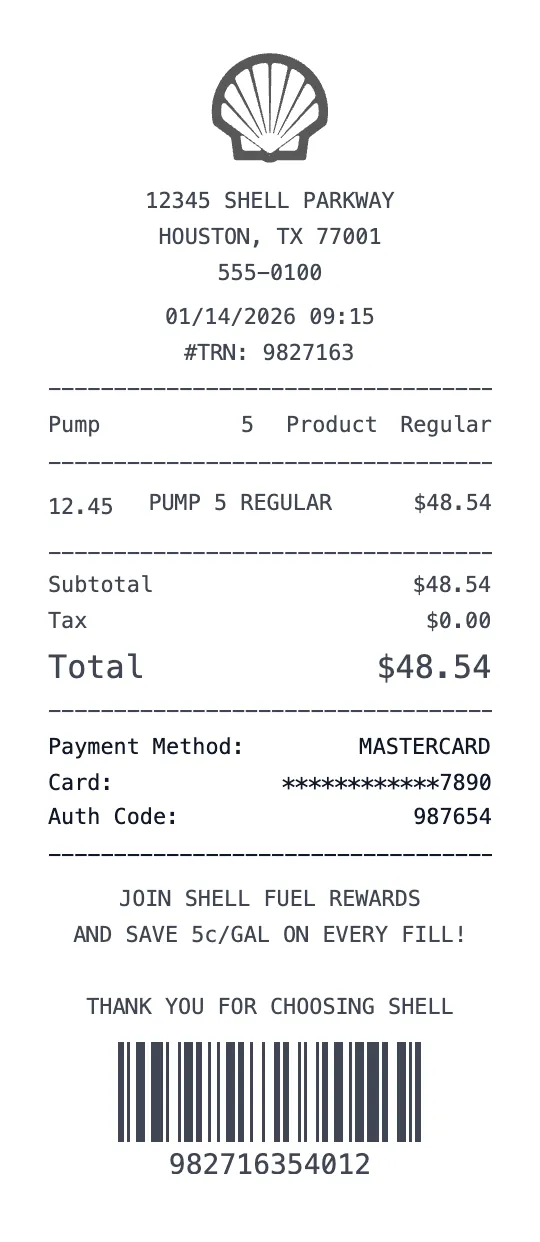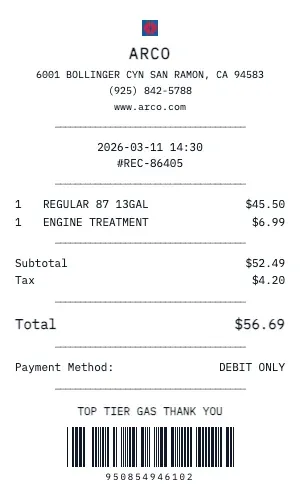
Create a realistic Arco gas station receipt for fuel purchases, car washes, or convenience store items. Our generator includes pump number, fuel grade (Regular, Plus, Premium, Diesel), gallons dispensed, price per gallon, and total cost — exactly like a real fuel receipt.
Arco gas receipts from our tool feature the specific formatting used by fuel station POS systems: transaction ID, pump authorization number, fuel type selection, volume dispensed, unit price, and payment method. You can add inside purchases (snacks, drinks, lottery) as separate line items.
Whether you need a fuel receipt for mileage reimbursement, fleet management records, or tax-deductible business travel, our Arco generator handles it. The receipt includes odometer reading fields, vehicle ID options, and fuel card authorization numbers used by commercial fleets.
Our Arco gas station template is the most detailed fuel receipt template online. Add multiple fuel types per transaction, car wash add-ons, loyalty rewards points, and promotional discounts. Download as PDF for your expense report or PNG for quick sharing.
Key Features of our Arco Template
Fuel Grade Selection
Choose from Regular (87), Plus (89), Premium (93), or Diesel fuel types with correct octane rating display.
Pump & Volume Details
Includes pump number, gallons dispensed (to 3 decimal places), price per gallon, and total fuel cost calculation.
Fleet Card Support
Add driver ID, vehicle number, odometer reading, and fleet card authorization codes for commercial fuel purchases.
Car Wash Add-ons
Include car wash purchases, convenience store items, and loyalty rewards earned in the same transaction.
Transaction ID & Auth
Display transaction sequence number, pump authorization number, and payment terminal ID like real fuel receipts show.
Environmental Fees
Add state-specific environmental surcharges, underground storage tank fees, and fuel tax breakdowns.
How to Generate a Arco Receipt
Create your custom document in three simple steps.
Load Template
The Arco template is pre-loaded with the correct logo, address format, and column layout.
Customize Data
Click any field to edit. Add your specific items, set the date to today (or any past date), and adjust prices.
Export & Print
Download high-res PDF or JPG. For best results, print on thermal paper or use our "Thermal Texture" setting.
Why Use This Arco Receipt Template?
Mileage Reimbursement
Track fuel costs from Arco for IRS-standard mileage deduction or employer mileage reimbursement programs. Our receipts show gallons, price, and location for audit-ready records.
Fleet Management
Manage commercial vehicle fuel expenses with Arco receipts showing driver ID, vehicle number, odometer reading, and fuel card details for fleet accounting.
Road Trip Documentation
Keep organized fuel logs during road trips. Generate Arco receipts for each fill-up to track total fuel costs, average fuel economy, and route expenses.
Rideshare Driver Expenses
Uber, Lyft, and delivery drivers can document Arco fuel purchases as business expenses. Create receipts with mileage and cost data for tax write-off purposes.
Frequently Asked Questions
Common questions about creating Arco receipts.
Can I choose the fuel grade on the Arco receipt?
Does it show gallons and price per gallon?
Can I add a car wash or convenience items?
How do I make a Arco receipt?
Is this Arco receipt template free?
Can I remove the watermark?
What tax rate does the Arco template use?
Is it legal to create fake receipts?
Can I add a barcode to the Arco receipt?
Does this work on mobile devices?
Can I change the currency on the Arco receipt?
How realistic is the thermal paper effect?
You Might Also Like
Other Gas receipt templates you can customize