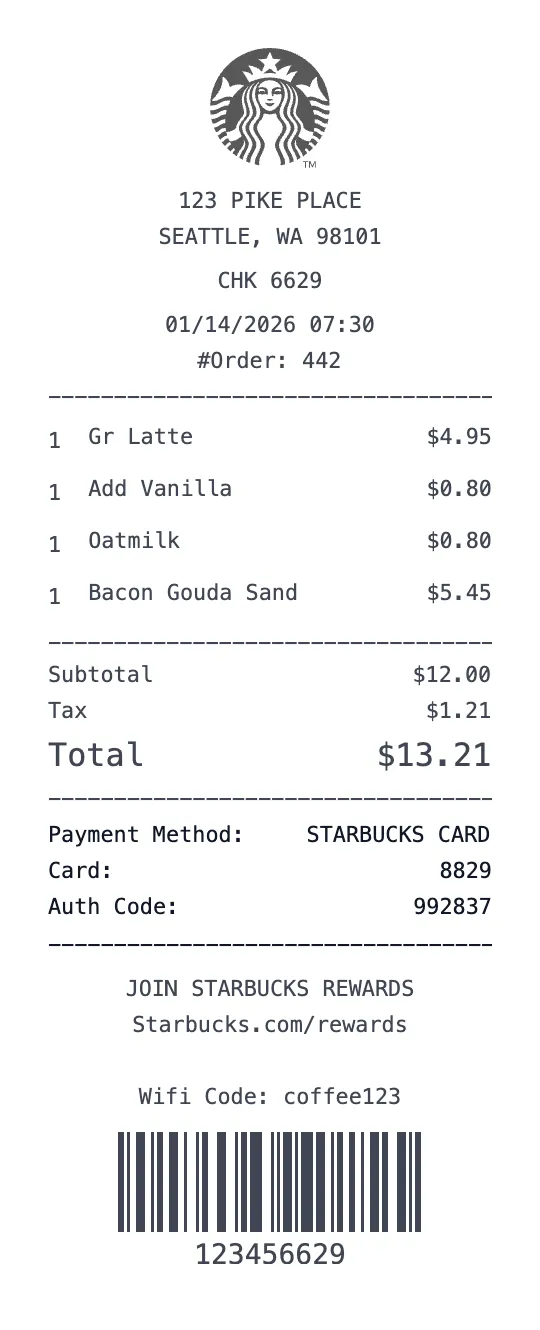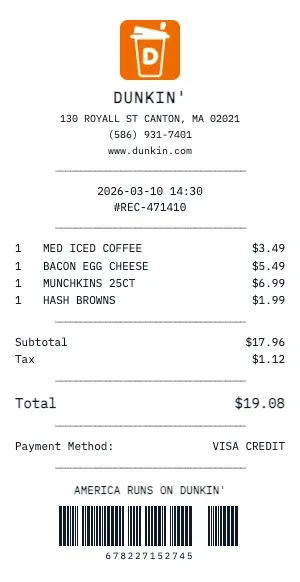
Generate a realistic Dunkin' coffee shop receipt with drink customizations, pastry items, and tip lines. Our cafe receipt format includes drink size, milk choice, espresso shots, syrup flavors, and temperature — just like a real barista receipt.
The Dunkin' coffee receipt template handles complex drink builds: base drink, size (Tall/Grande/Venti or S/M/L), milk type (Whole, Oat, Almond, Soy), extra shots, syrup pumps, whipped cream, and custom modifications. Each customization can be individually priced.
Perfect for food bloggers, lifestyle content creators, and expense trackers. Our Dunkin' receipt captures the café experience: mobile order numbers, reward star balances, "Order Ahead" timestamps, and personalized cup name fields.
Our Dunkin' template also supports food items found in coffee shops: breakfast sandwiches, pastries, cake pops, protein boxes, and seasonal specials. Add loyalty card punches, promo code discounts, and the signature "See you tomorrow!" footer.
Key Features of our Dunkin' Template
Drink Customization
Full customization support: size (Tall/Grande/Venti), milk choice (Oat, Almond, Soy), extra shots, syrup, and temperature.
Mobile Order Format
Display mobile order number, pickup window time, and 'Order Ahead' timestamp for drive-thru style receipts.
Reward Stars/Points
Show loyalty stars or points earned, current balance, progress to next reward, and birthday reward status.
Barista Bar Details
Include barista-specific modifiers: light ice, no whip, extra foam, upside down, and custom temperature.
Food & Pastry Items
Add breakfast sandwiches, pastries, cake pops, protein boxes, and seasonal specials with proper cafe formatting.
Tip Line & Totals
Include tip line with suggested amounts, tax on food items, and the warm 'See you tomorrow!' footer message.
How to Generate a Dunkin' Receipt
Create your custom document in three simple steps.
Load Template
The Dunkin' template is pre-loaded with the correct logo, address format, and column layout.
Customize Data
Click any field to edit. Add your specific items, set the date to today (or any past date), and adjust prices.
Export & Print
Download high-res PDF or JPG. For best results, print on thermal paper or use our "Thermal Texture" setting.
Why Use This Dunkin' Receipt Template?
Daily Spending Audit
Track your daily Dunkin' habit to understand the true cost. Generate receipts showing your regular orders — that $6 oat milk latte adds up to $2,190/year!
Client Meeting Receipts
Met a client at Dunkin'? Document the meeting expense with an itemized receipt showing both orders. Perfect for freelancer expense deductions and consulting write-offs.
Social Media Content
Coffee influencers and lifestyle bloggers: create aesthetic Dunkin' receipts for Instagram stories, TikTok flat lays, or blog photography. Receipts add a relatable, real-life touch.
Team Coffee Runs
Running a Dunkin' coffee order for the office? Create a detailed receipt showing each person's drink, customizations, and cost for easy reimbursement and cost splitting.
Frequently Asked Questions
Common questions about creating Dunkin' receipts.
Does the Dunkin' receipt include a return policy?
Can I create a gift receipt version?
Are SKU and barcode numbers included?
How do I make a Dunkin' receipt?
Is this Dunkin' receipt template free?
Can I remove the watermark?
What tax rate does the Dunkin' template use?
Is it legal to create fake receipts?
Can I add a barcode to the Dunkin' receipt?
Does this work on mobile devices?
Can I change the currency on the Dunkin' receipt?
How realistic is the thermal paper effect?
Learn More
Dunkin' Donuts Receipt Template
Tips, FAQs, and a complete walkthrough for creating realistic Dunkin' receipts.
You Might Also Like
Other Coffee & Cafe receipt templates you can customize