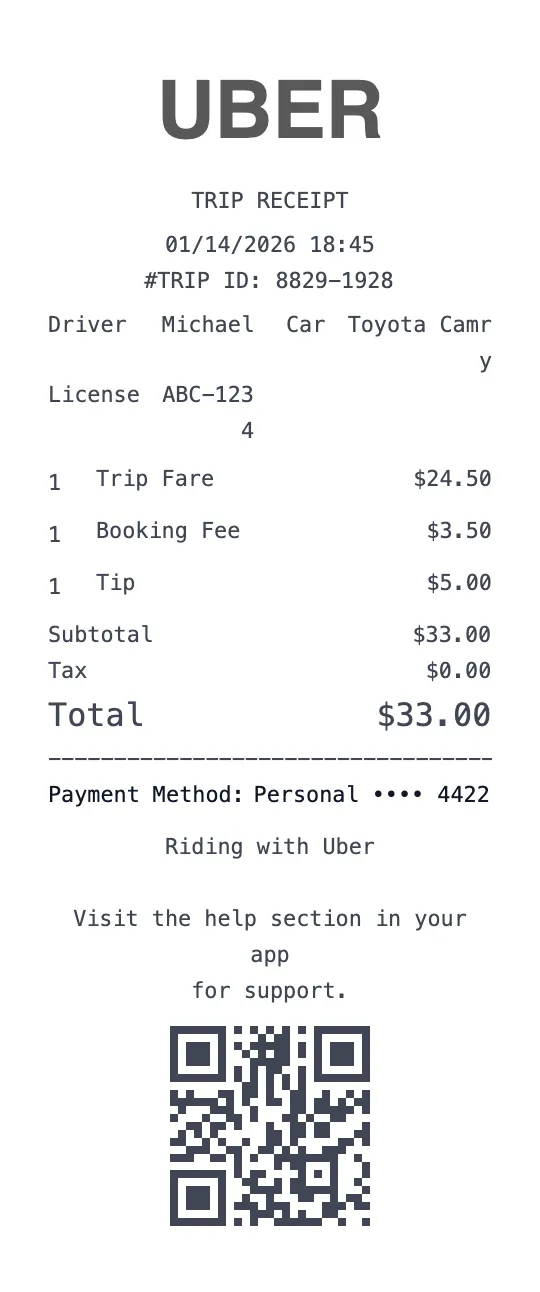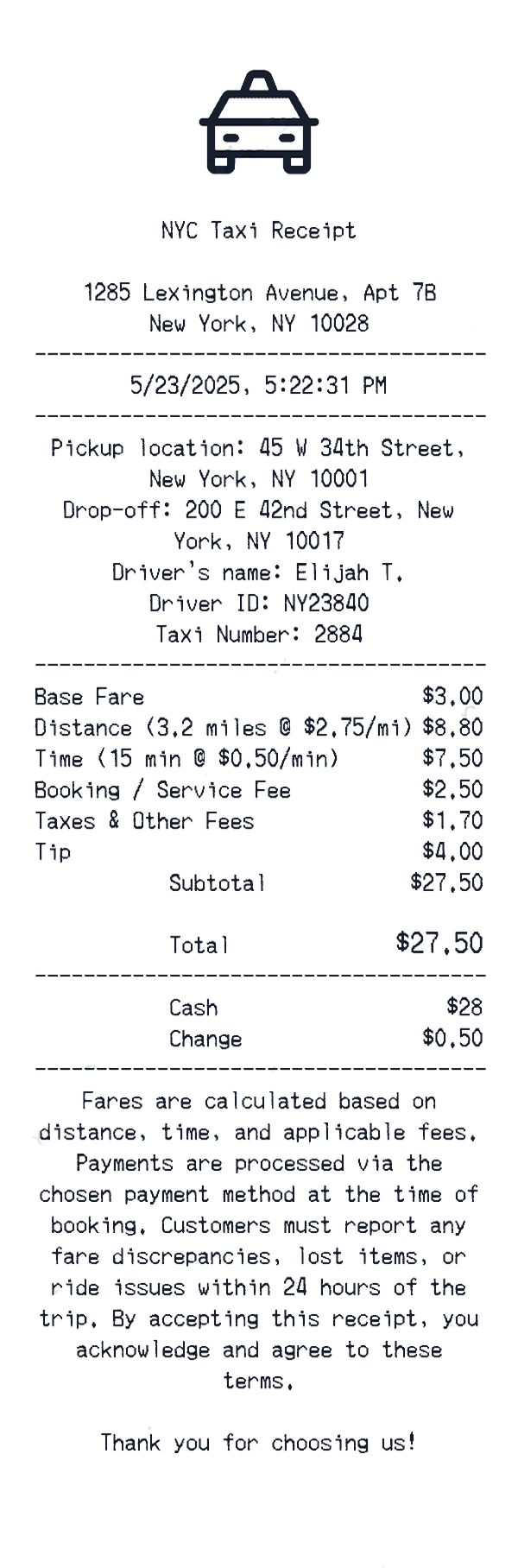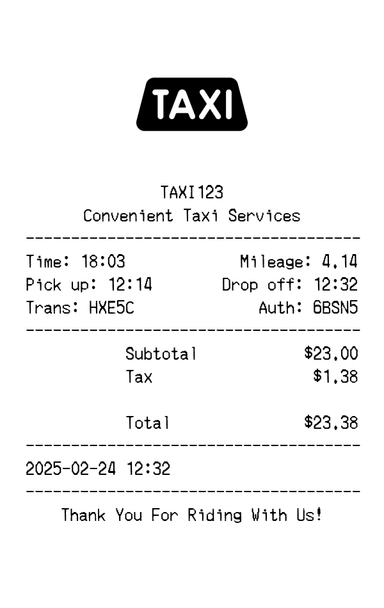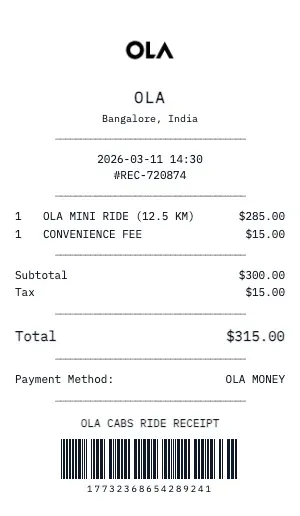
Generate a realistic Ola ride receipt with pickup/dropoff locations, fare breakdown, distance traveled, and trip duration. Our transport receipt format mirrors what Uber, Lyft, and traditional taxi services provide.
The Ola ride receipt template includes: pickup and dropoff addresses, trip start/end times, total distance (miles/km), base fare, per-mile rate, per-minute rate, surge/peak pricing multiplier, tolls, tips, and total fare. Add a route map placeholder for extra authenticity.
Perfect for business travel expense reports, corporate card reconciliation, and mileage tracking. Our Ola generator handles shared rides, scheduled pickups, airport surcharges, and wait time fees — every detail a finance department expects to see.
Our Ola template also supports ride-specific details: driver name, vehicle make/model, license plate, trip confirmation number, and payment method (credit card last 4 digits, corporate account, or cash). Download as PDF for seamless expense submission.
Key Features of our Ola Template
Route & Distance
Include pickup/dropoff addresses, total miles traveled, trip duration, and route type (shortest vs. fastest).
Fare Breakdown
Show base fare, per-mile rate, per-minute rate, surge/peak multiplier, tolls, airport surcharge, and booking fee.
Driver Information
Add driver name, vehicle make/model/color, license plate number, and driver rating for rideshare-style receipts.
Trip Timestamps
Display trip request time, pickup time, dropoff time, and total wait time with precise formatting.
Payment Details
Show credit card last 4 digits, promo code discounts, subscription credits, and corporate account billing.
Tip & Rating
Include tip amount, tip percentage, suggested tip options, and trip confirmation number for expense documentation.
How to Generate a Ola Receipt
Create your custom document in three simple steps.
Load Template
The Ola template is pre-loaded with the correct logo, address format, and column layout.
Customize Data
Click any field to edit. Add your specific items, set the date to today (or any past date), and adjust prices.
Export & Print
Download high-res PDF or JPG. For best results, print on thermal paper or use our "Thermal Texture" setting.
Why Use This Ola Receipt Template?
Business Travel Expenses
Submit Ola ride receipts with your travel expense report. Our format includes all fields corporate finance teams require: route, fare breakdown, date/time, and payment method.
Corporate Card Reconciliation
Match Ola ride charges to your corporate card statement. Our receipts include trip confirmation number, timestamps, and exact fare amounts for easy reconciliation.
Tax-Deductible Transportation
Document Ola rides for IRS Schedule C business deductions. Include pickup, dropoff, business purpose, and total cost for audit-ready transportation records.
Personal Expense Tracking
Monitor your Ola spending habits with organized ride receipts. Track monthly ride costs, most common routes, and surge pricing patterns to optimize your transportation budget.
Frequently Asked Questions
Common questions about creating Ola receipts.
Does the Ola receipt include a return policy?
Can I create a gift receipt version?
Are SKU and barcode numbers included?
How do I make a Ola receipt?
Is this Ola receipt template free?
Can I remove the watermark?
What tax rate does the Ola template use?
Is it legal to create fake receipts?
Can I add a barcode to the Ola receipt?
Does this work on mobile devices?
Can I change the currency on the Ola receipt?
How realistic is the thermal paper effect?
You Might Also Like
Other Taxi receipt templates you can customize