
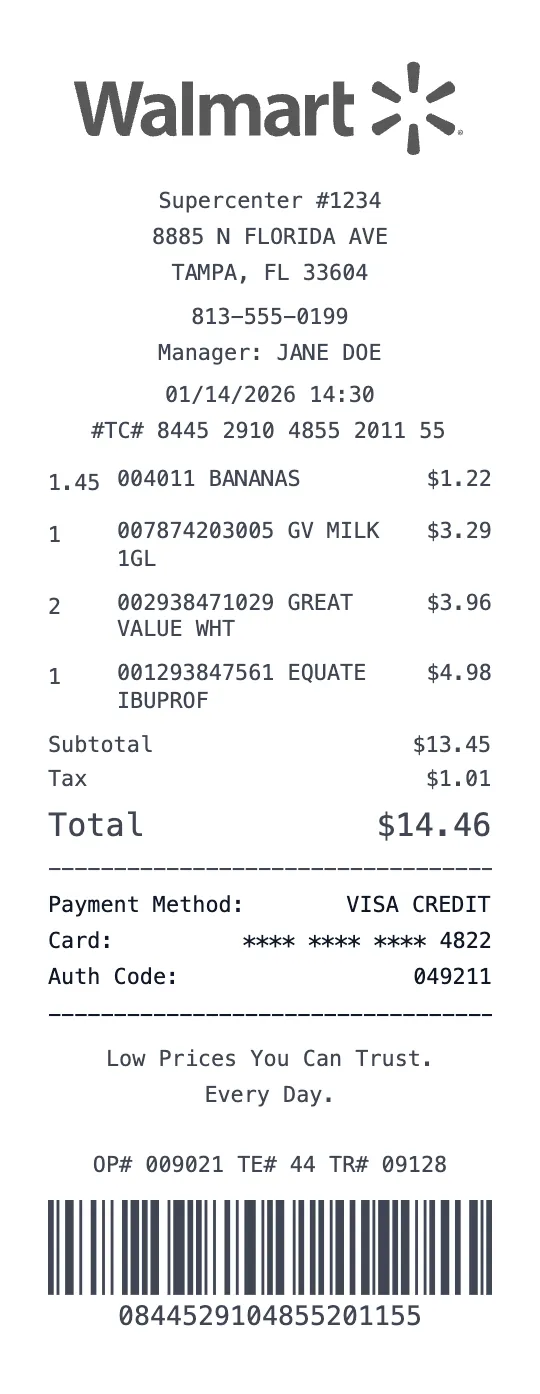
Generate a highly realistic Walmart receipt with our advanced receipt maker tool. Walmart is the world's largest retailer, operating over 5,300 stores across the United States and serving approximately 240 million customers every week. Their thermal receipt format is one of the most recognized in American retail, featuring the distinctive Walmart spark logo, the store's full address block, and the iconic 'SAVE MONEY. LIVE BETTER.' or 'LOW PRICES YOU CAN TRUST. EVERY DAY.' taglines at the bottom. Our template replicates every element of a genuine Walmart receipt — from the header layout with store number and manager name to the TC# transaction code at the footer.
What sets a Walmart receipt apart from other retail receipts is its unique item formatting. Each product line shows a 12-digit UPC barcode number, followed by the item description (truncated to fit the thermal paper width), a single-letter tax code (N for non-taxable, X for taxable, F for food stamp eligible), and the price. Our generator handles all of these formatting quirks automatically — just enter your items, and the receipt renders exactly like the real thing. You can also add department codes, 'Great Value' store-brand items, and Walmart+ membership discounts.
Walmart receipts serve as critical documentation for millions of Americans. Whether you lost a receipt for a television you need to return within the 90-day window, need to document back-to-school supply purchases for tax-deductible homeschool expenses, or want to track your weekly grocery spending habits, our Walmart receipt generator is the fastest and most accurate tool available. The receipt automatically calculates subtotal, state-specific sales tax, and total — and you can toggle between different Walmart store formats (Supercenter, Neighborhood Market, or Sam's Club style).
Our Walmart template also replicates the transaction metadata that appears on every real receipt: ST# (store number), OP# (operator number), TE# (terminal number), TR# (transaction number), and the full timestamp with date and time. At the bottom, you'll find the '# ITEMS SOLD' count and the 18-digit TC# transaction confirmation code. These details are what separate a professional-looking receipt from an amateur attempt — and our tool fills them in automatically based on your inputs.
Thousands of users trust ProReceiptMaker for Walmart receipt generation every month. Common uses include replacing faded receipts for warranty claims on electronics, documenting business supply purchases from Walmart's office section, creating realistic props for film and television productions, and maintaining organized records of household expenses. The tool is completely free to use — no account signup required — and you can download your receipt as a high-resolution PNG image or print-ready PDF in seconds.
Key Features of our Walmart Supercenter Template
Authentic Walmart Layout
Replicates the exact header format with Walmart spark logo, store number, address, manager name, and phone number used by all 5,300+ US locations.
UPC & Tax Code Format
Each item displays a 12-digit UPC barcode number and the correct single-letter tax code (N, X, F) matching Walmart's POS receipt formatting.
Transaction Metadata
Auto-generates ST#, OP#, TE#, TR# codes and the 18-digit TC# transaction confirmation code printed on every real Walmart receipt.
Savings Catcher Ready
Includes the 'YOU SAVED' summary line and supports Walmart+ member pricing, rollback discounts, and clearance markdown formatting.
Multiple Store Formats
Works for Supercenter, Neighborhood Market, and standard Walmart store layouts with appropriate header variations.
Smart Tax Calculation
Automatically calculates subtotal, sales tax (adjustable rate by state), and total with penny-perfect accuracy matching real POS systems.
How to Generate a Walmart Supercenter Receipt
Create your custom document in three simple steps.
Load Template
The Walmart Supercenter template is pre-loaded with the correct logo, address format, and column layout.
Customize Data
Click any field to edit. Add your specific items, set the date to today (or any past date), and adjust prices.
Export & Print
Download high-res PDF or JPG. For best results, print on thermal paper or use our "Thermal Texture" setting.
Why Use This Walmart Supercenter Receipt Template?
Electronics Return Window
Walmart allows returns within 90 days for most items. If you've lost your receipt for a TV, laptop, or smart home device, recreate it with the correct purchase date, item UPC, and payment method for a smooth return experience.
Grocery Budget Tracking
Track your weekly Walmart grocery spending by creating detailed receipts sorted by department. Monitor food costs per family member, compare prices across shopping trips, and identify opportunities to switch to Great Value store brands.
Business Supply Documentation
Small business owners frequently purchase office supplies, cleaning products, and break room essentials from Walmart. Generate itemized receipts with correct tax codes for accurate bookkeeping and tax deduction documentation.
Back-to-School Expense Records
Many states offer sales tax holidays for back-to-school supplies. Document your Walmart school supply purchases with detailed receipts showing each item, tax-exempt status, and total savings for household budget records.
Frequently Asked Questions
Common questions about creating Walmart Supercenter receipts.
Does this look like a real Walmart receipt?
Can I add the Walmart spark logo?
What's the TC# code on a Walmart receipt?
Can I make a Walmart Grocery Pickup receipt?
Is the Walmart receipt template free?
Walmart Supercenter Receipt Examples
Browse real-world receipt examples to see what different Walmart Supercenter receipts look like.
Walmart Grocery Receipt Example
See what a Walmart grocery receipt looks like. View a realistic example with common grocery items, prices, and tax calculations. Customize and download your own.
Walmart Electronics Receipt Example
Example Walmart electronics receipt showing a TV purchase with warranty and accessories. Realistic format with serial numbers and return policy info.
Walmart Return Receipt Example
What does a Walmart return receipt look like? View an example return/refund receipt with the standard Walmart refund format, transaction ID, and original purchase reference.
Walmart Pharmacy Receipt Example
Example Walmart pharmacy receipt showing over-the-counter and personal care items. Realistic format with health & wellness product codes.
Learn More
Free Walmart Receipt Maker
Tips, FAQs, and a complete walkthrough for creating realistic Walmart Supercenter receipts.
You Might Also Like
Other Grocery receipt templates you can customize
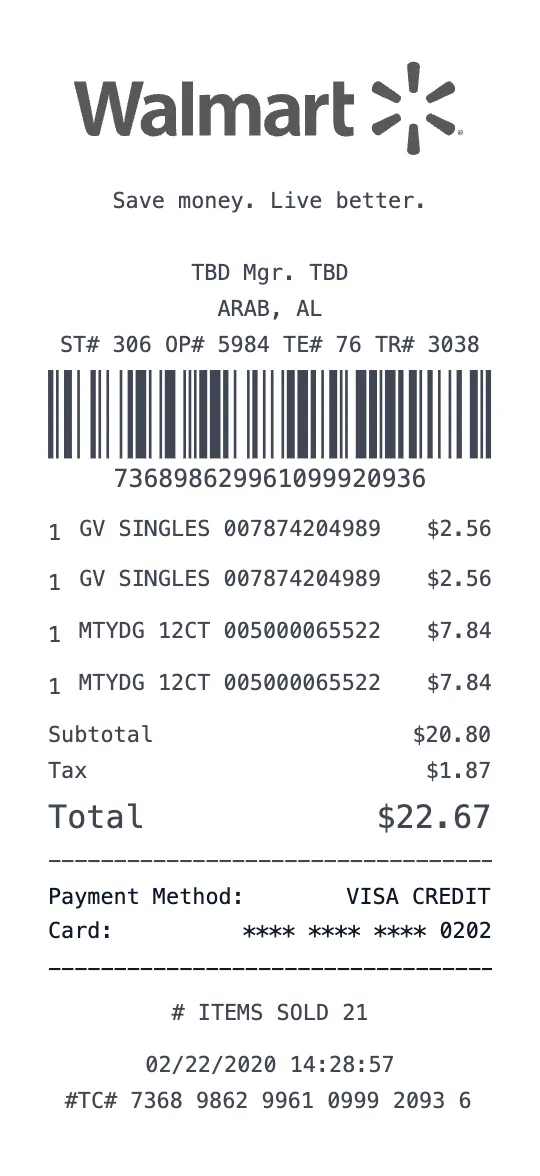
Walmart Supercenter Receipt Template
Grocery Template
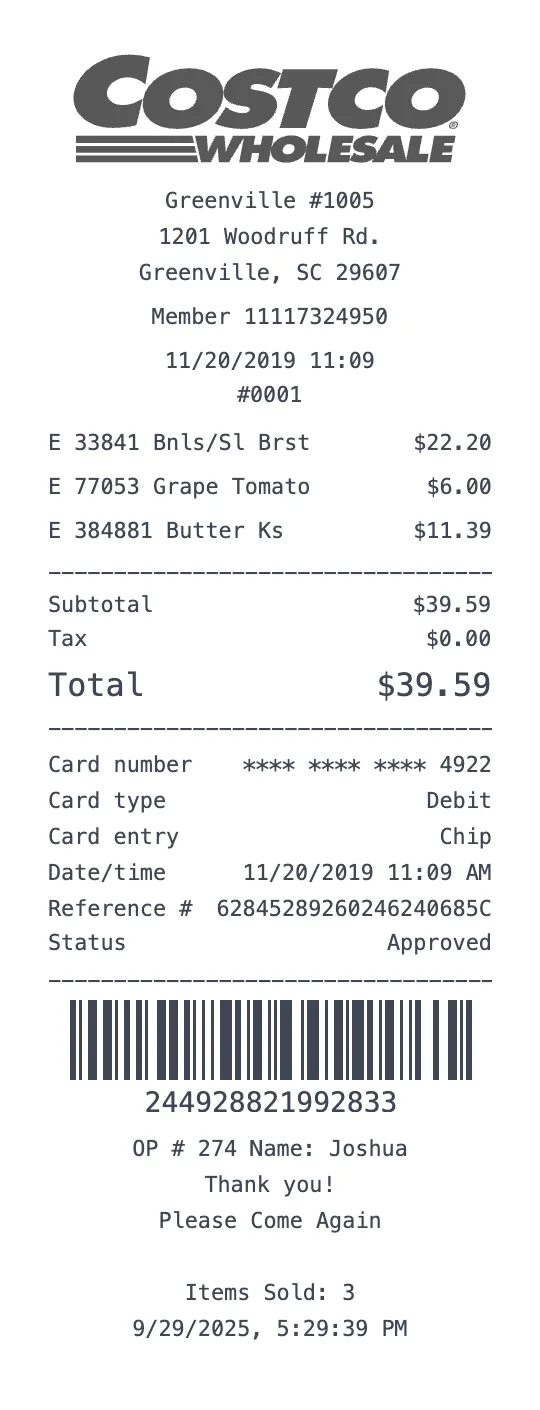
Costco Wholesale Receipt Template
Grocery Template
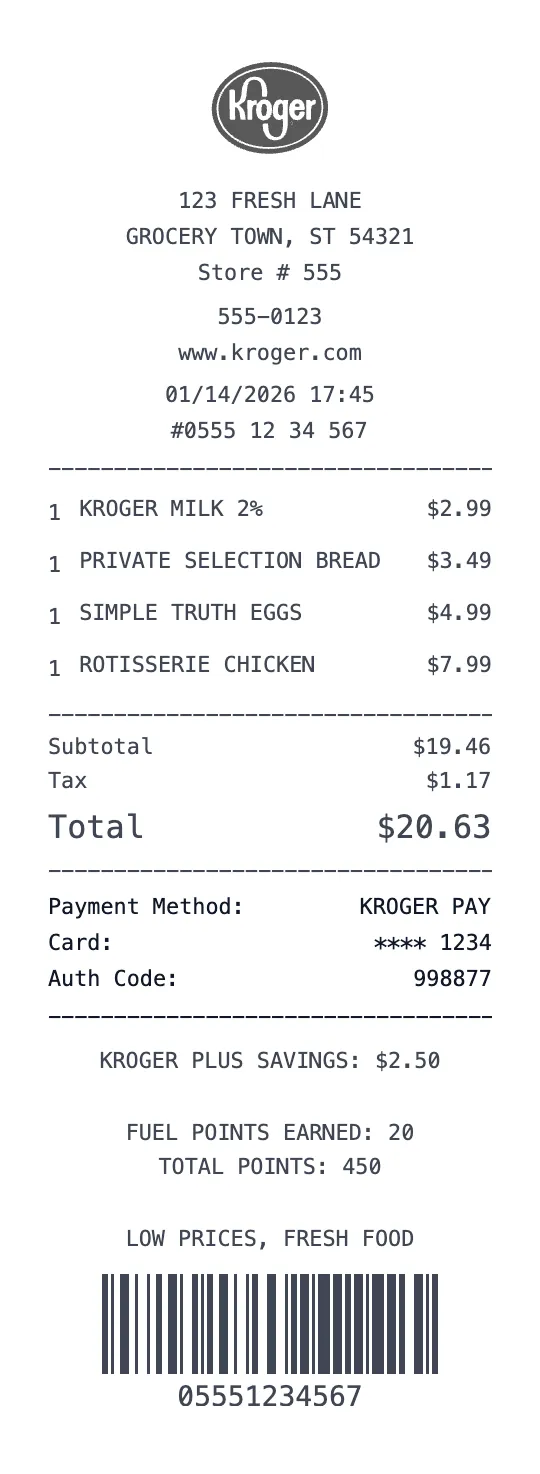
Kroger Receipt Template
Grocery Template
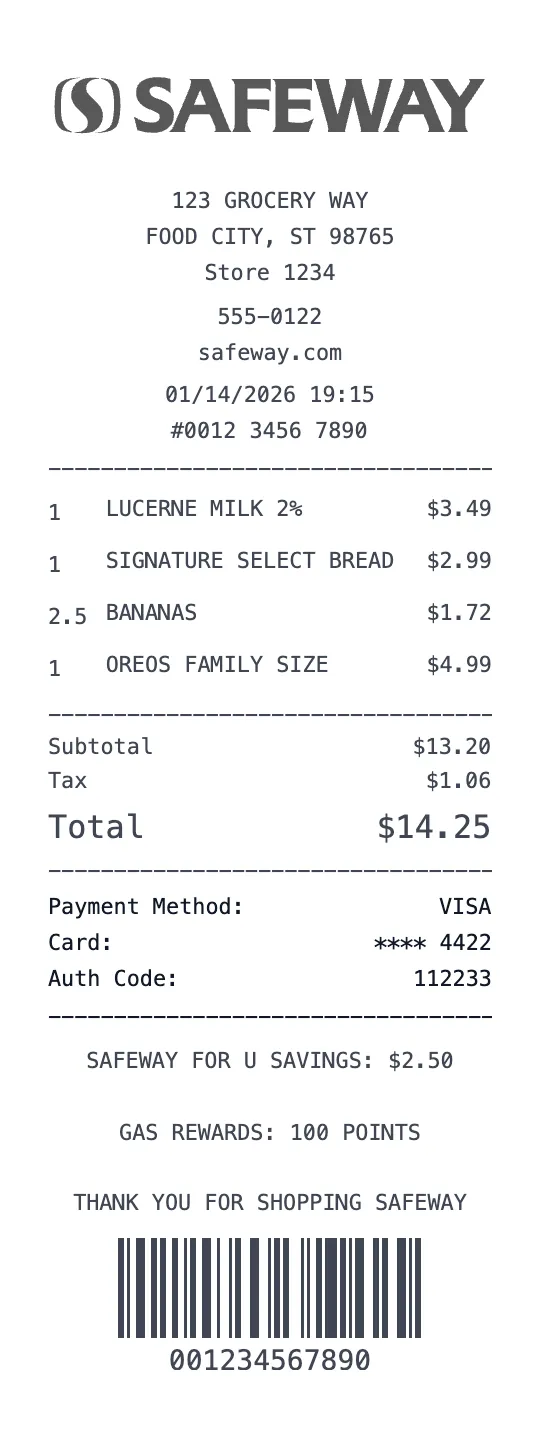
Safeway Receipt Template
Grocery Template
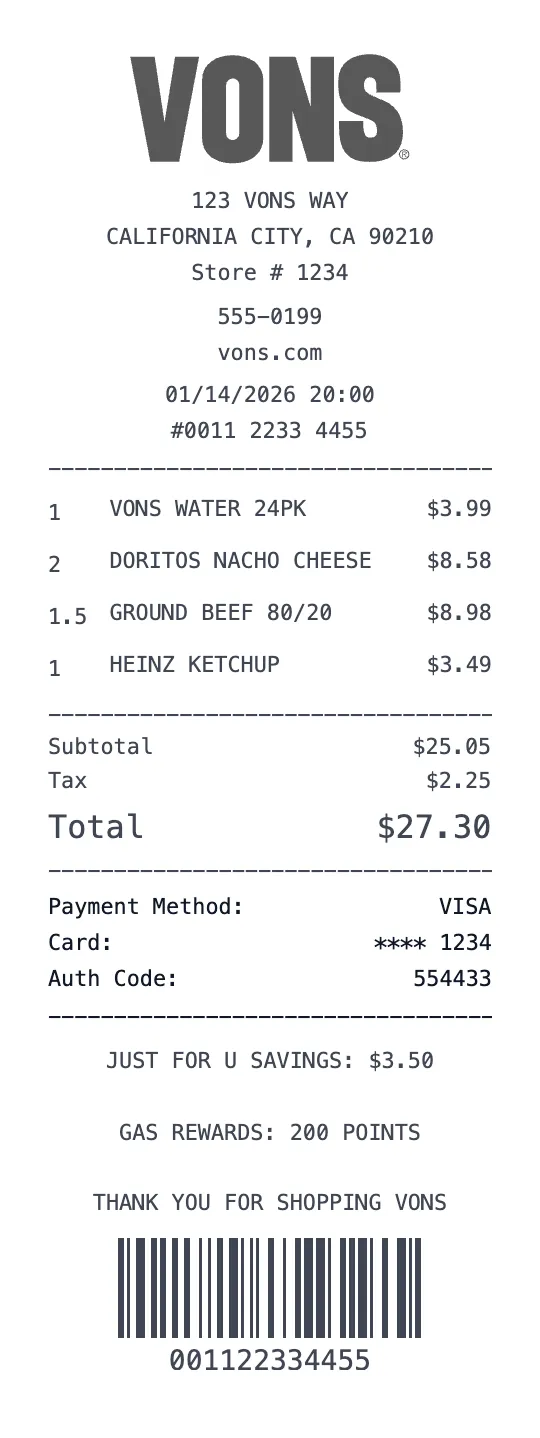
Vons Receipt Template
Grocery Template

Sam's Club Receipt Template
Grocery Template