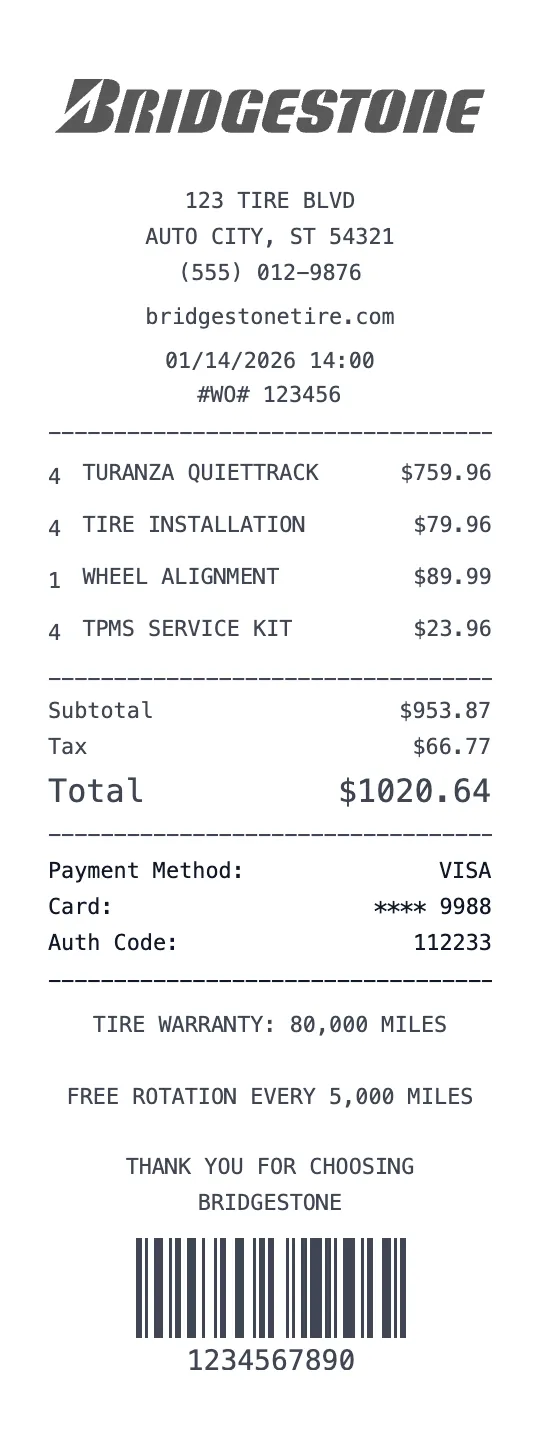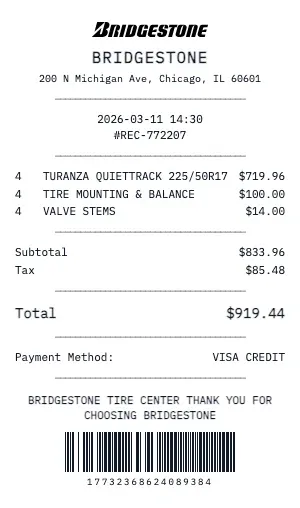
Create a detailed Bridgestone automotive service receipt with labor hours, parts pricing, vehicle information, and service recommendations. Our auto repair receipt format follows industry-standard shop invoice layouts.
The Bridgestone auto receipt template includes: VIN number, vehicle year/make/model, odometer reading, service type (Oil Change, Brake Service, Tire Rotation, etc.), labor hours and rate, parts list with part numbers, shop supplies fee, and environmental disposal charges.
Whether you need a Bridgestone receipt for warranty claims, insurance documentation, resale value records, or fleet maintenance logs, our generator handles it. Add technician name, service bay number, work order number, and recommended future services with mileage intervals.
Our Bridgestone template handles automotive-specific details: multi-point inspection results, fluid levels checked, tire tread measurements, brake pad thickness, diagnostic trouble codes (DTCs), and next service due date/mileage. Essential for maintaining vehicle service history records.
Key Features of our Bridgestone Template
Vehicle Information
Include VIN, year/make/model, trim level, engine type, mileage reading, and license plate number.
Labor & Parts Split
Separate labor hours (with hourly rate) from parts costs, each with individual line items and subtotals.
Service Descriptions
Detailed service type descriptions: Oil Change, Brake Service, Tire Rotation, Alignment, Transmission, A/C Service.
Multi-Point Inspection
Include inspection results for brakes, tires, fluids, belts, battery, and lights with pass/warning/fail indicators.
Next Service Due
Display recommended next service type, due date, and due mileage for proactive maintenance scheduling.
Shop & Tech Details
Add work order number, service bay, technician name/ID, shop supplies fee, and environmental disposal charges.
How to Generate a Bridgestone Receipt
Create your custom document in three simple steps.
Load Template
The Bridgestone template is pre-loaded with the correct logo, address format, and column layout.
Customize Data
Click any field to edit. Add your specific items, set the date to today (or any past date), and adjust prices.
Export & Print
Download high-res PDF or JPG. For best results, print on thermal paper or use our "Thermal Texture" setting.
Why Use This Bridgestone Receipt Template?
Service History Records
Maintain a complete Bridgestone service record for your vehicle. Our receipt includes VIN, mileage, services performed, and parts used — essential for resale value and warranty compliance.
Insurance Repair Claims
Document Bridgestone auto repair costs for insurance claims. Include work order, detailed descriptions, parts list, labor hours, and before/after condition notes.
Fleet Maintenance Logging
Fleet managers: track Bridgestone service visits across multiple vehicles with VIN, mileage, tech name, and next service due date for compliance and preventive maintenance programs.
Used Car Sale Documentation
Selling your vehicle? Show buyers a complete Bridgestone maintenance history proving regular service, genuine parts, and professional care — significantly increasing resale value.
Frequently Asked Questions
Common questions about creating Bridgestone receipts.
Does the Bridgestone receipt include a return policy?
Can I create a gift receipt version?
Are SKU and barcode numbers included?
How do I make a Bridgestone receipt?
Is this Bridgestone receipt template free?
Can I remove the watermark?
What tax rate does the Bridgestone template use?
Is it legal to create fake receipts?
Can I add a barcode to the Bridgestone receipt?
Does this work on mobile devices?
Can I change the currency on the Bridgestone receipt?
How realistic is the thermal paper effect?
You Might Also Like
Other Automotive receipt templates you can customize