

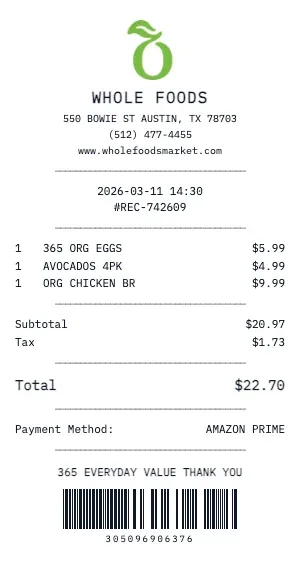
Generate a realistic Whole Foods grocery receipt with our free tool. Our grocery receipt format includes department codes, item SKUs, weight-based pricing for produce and deli, coupon discounts, loyalty card savings, and the classic "YOU SAVED $X.XX" summary line that real grocery receipts feature.
The Whole Foods receipt template handles everything a real grocery store POS prints: produce PLU codes, per-pound and per-unit pricing, bottle deposit fees, WIC-eligible item markers, rain check notices, and fuel rewards points earned. Each item is categorized by department (Produce, Dairy, Meat, Bakery, etc.).
For budget-conscious shoppers and meal planners, our Whole Foods receipt template is ideal. Visualize your grocery spending by creating itemized receipts that show exactly where your money goes. Compare prices across stores or track spending trends week over week.
Our Whole Foods template also supports store-specific features: digital coupon savings, loyalty member pricing vs. non-member pricing, SNAP/EBT eligible item flags, and multi-buy deal calculations (e.g., "Buy 2 Get 1 Free"). The result is indistinguishable from a real Whole Foods grocery receipt.
Key Features of our Whole Foods Template
Department Categories
Items organized by department — Produce, Dairy, Meat, Bakery, Frozen, Deli — with department codes like real grocery receipts.
Weight-Based Pricing
Support for per-pound pricing on produce, deli, and bulk items with weight and unit price displayed.
Coupon & Savings
Show manufacturer coupons, digital coupons, store savings, and the 'YOU SAVED $X.XX' line that grocery receipts feature.
Loyalty Card Rewards
Include loyalty card number, member savings vs. non-member pricing, fuel rewards earned, and points balance.
Multi-Buy Deals
Handle BOGO, Buy 2 Get 1 Free, and volume discount calculations with automatic deal detection and savings display.
EBT/SNAP Indicators
Mark EBT-eligible items with the proper indicator flags, separate taxable and non-taxable item subtotals.
How to Generate a Whole Foods Receipt
Create your custom document in three simple steps.
Load Template
The Whole Foods template is pre-loaded with the correct logo, address format, and column layout.
Customize Data
Click any field to edit. Add your specific items, set the date to today (or any past date), and adjust prices.
Export & Print
Download high-res PDF or JPG. For best results, print on thermal paper or use our "Thermal Texture" setting.
Why Use This Whole Foods Receipt Template?
Meal Planning & Budgets
Track weekly grocery spending at Whole Foods by creating itemized receipts sorted by department. Monitor food costs per person, compare store prices, and identify savings opportunities.
Dietary & Allergy Records
Document ingredient purchases from Whole Foods for dietary tracking, allergy management, or nutritionist consultations. Keep detailed records of what you buy and consume.
Household Expense Splitting
Roommates splitting grocery costs from Whole Foods? Create clear receipts showing who bought what, shared items, and individual totals for fair cost-sharing.
Price Comparison Research
Building a price comparison database? Generate standardized Whole Foods receipts to track and compare product prices across stores, dates, and promotions.
Frequently Asked Questions
Common questions about creating Whole Foods receipts.
Does the Whole Foods receipt show a savings summary?
Can I add per-pound priced items?
Does it support loyalty card and rewards?
How do I make a Whole Foods receipt?
Is this Whole Foods receipt template free?
Can I remove the watermark?
What tax rate does the Whole Foods template use?
Is it legal to create fake receipts?
Can I add a barcode to the Whole Foods receipt?
Does this work on mobile devices?
Can I change the currency on the Whole Foods receipt?
How realistic is the thermal paper effect?
Learn More
Whole Foods Receipt Template
Tips, FAQs, and a complete walkthrough for creating realistic Whole Foods receipts.
You Might Also Like
Other Grocery receipt templates you can customize
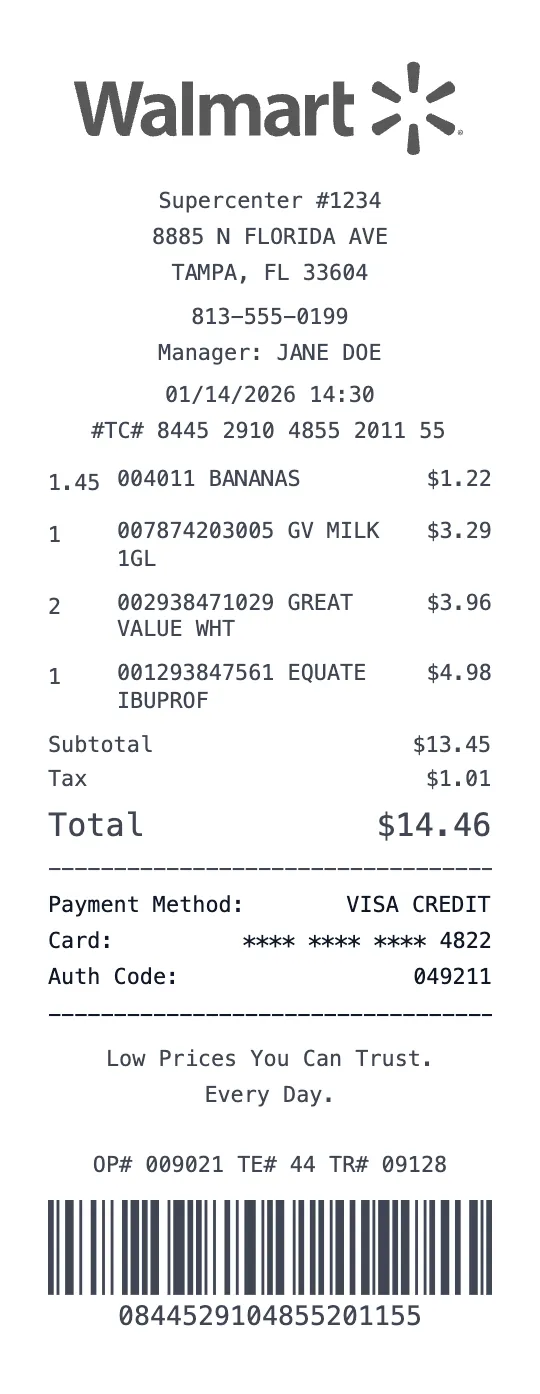
Walmart Supercenter Receipt Template
Grocery Template
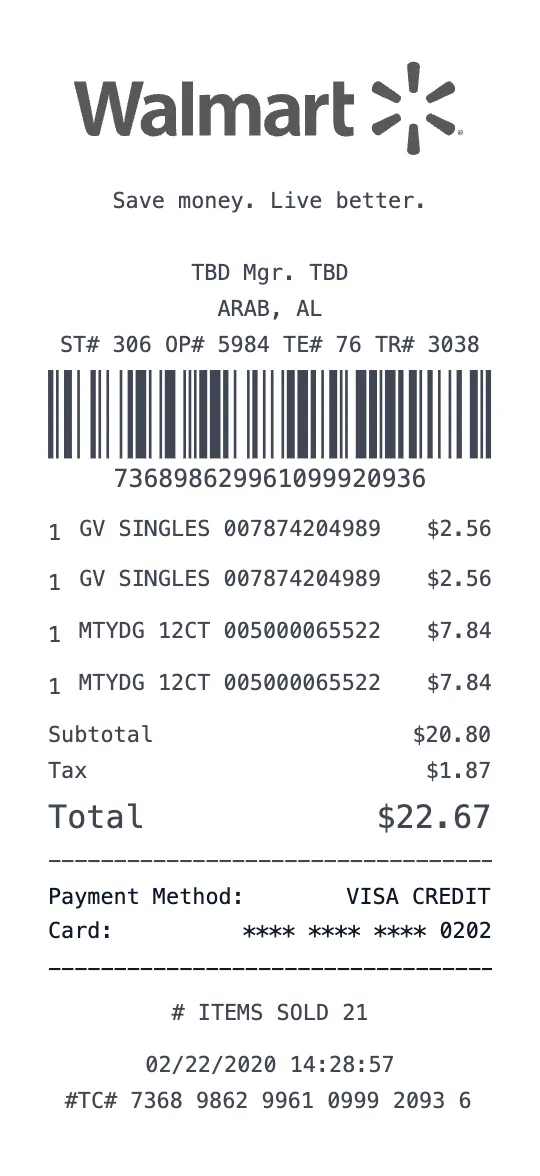
Walmart Supercenter Receipt Template
Grocery Template
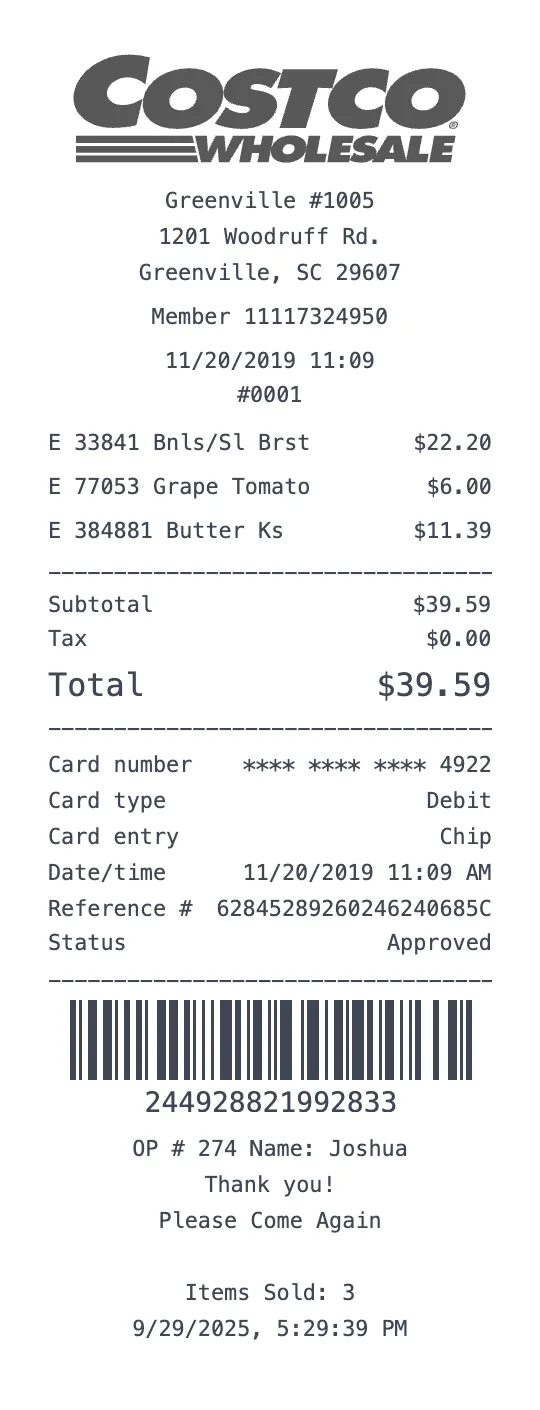
Costco Wholesale Receipt Template
Grocery Template
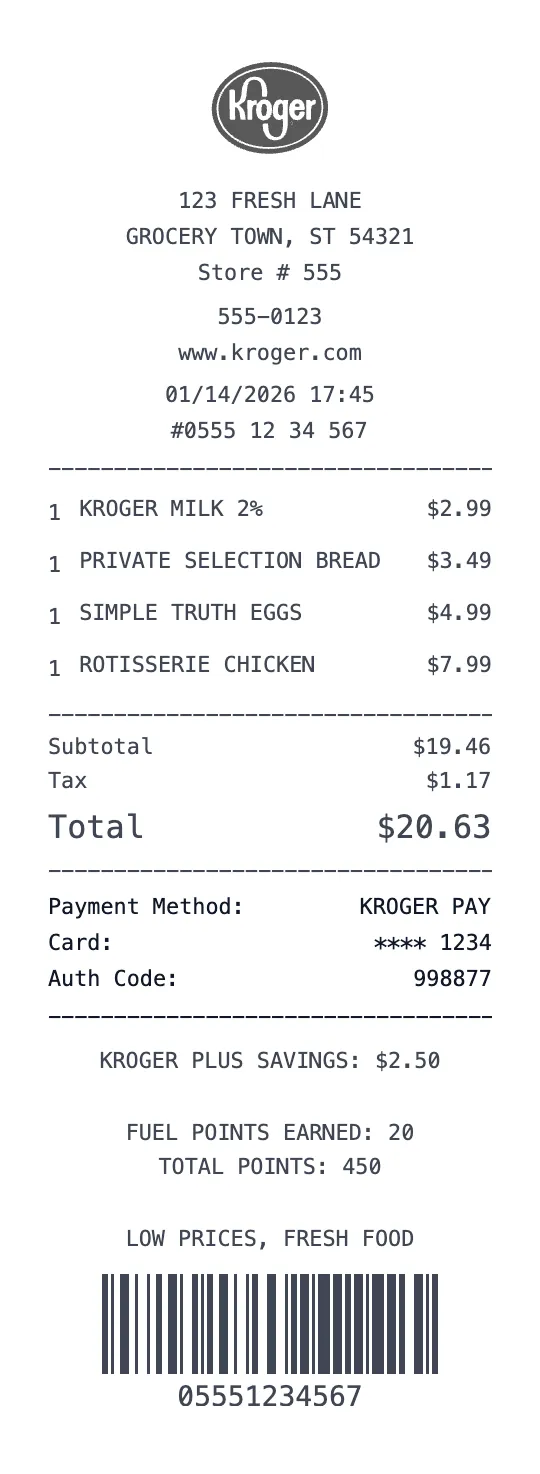
Kroger Receipt Template
Grocery Template
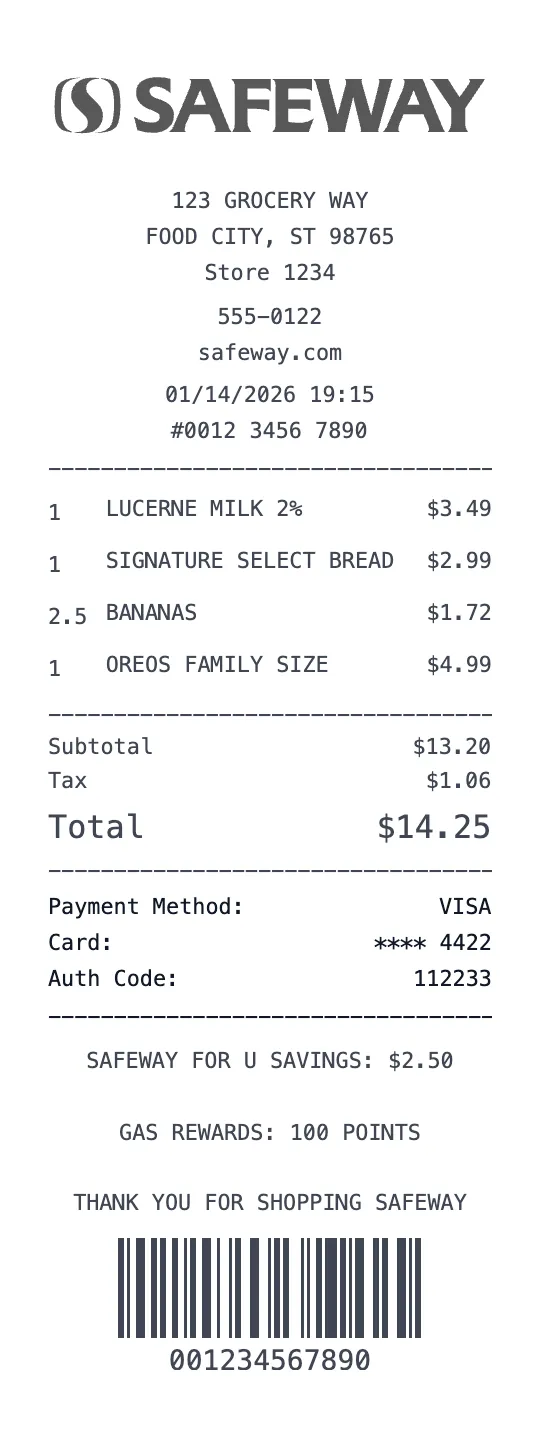
Safeway Receipt Template
Grocery Template
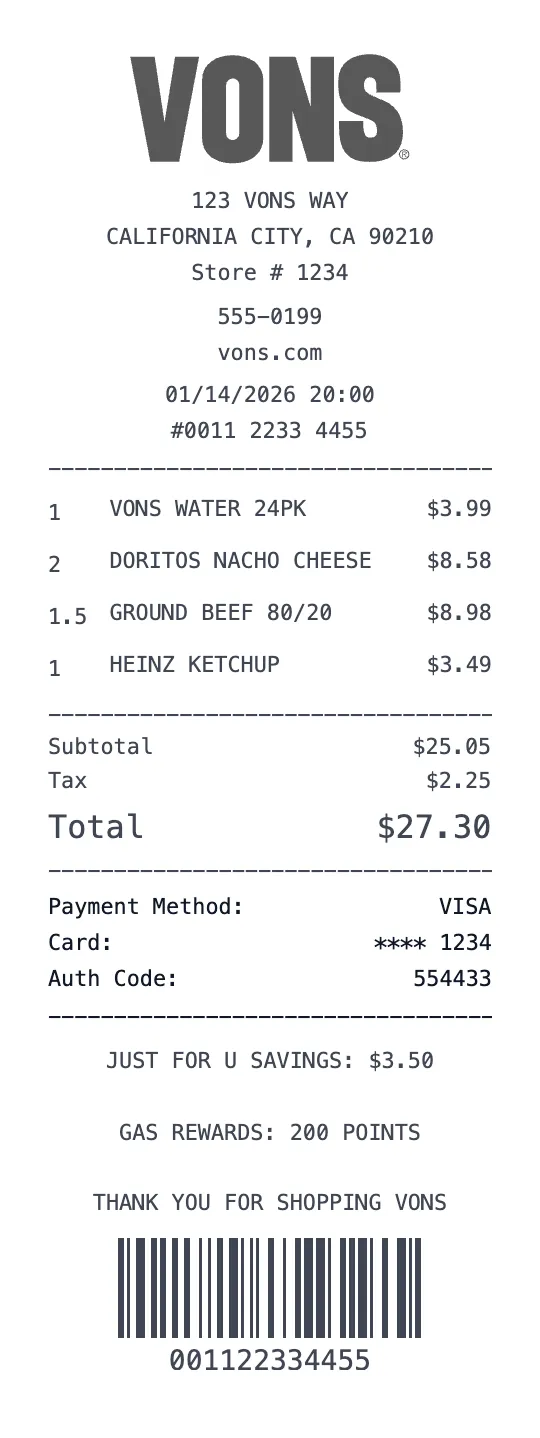
Vons Receipt Template
Grocery Template
Related Searches for Whole Foods Receipts
Anatomy of a Real Whole Foods Receipt
What makes a Whole Foods receipt look authentic
Every detail matters. Here\u2019s what a genuine Whole Foods receipt includes \u2014 and how our generator replicates each element.
Header & store info
Whole Foods Market receipts use the green "WFM" header with store name ("Whole Foods Market — Columbus Circle"), address, and date.
Line item format
Items include department prefix codes ("PRD" produce, "MEAT", "DAIRY"), the item description, weight (for produce/meat), unit price, and total. 365 brand items are clearly labeled.
Pricing & discounts
Amazon Prime members get an exclusive 10% discount (post-2017 Amazon acquisition). It prints as "PRIME SAVINGS" near the bottom. Produce/meat priced by weight at register.
Footer codes & IDs
Trans #, store/register/cashier triple, Prime member partial card, total Prime savings, "Thank you" message.
Paper & font
80mm thermal, 32 chars wide, monospace.
Brand voice
Receipts include the tagline\u00a0\u201cAmerica's Healthiest Grocery Store\u201d when applicable.
Whole Foods receipts are distinguished by the green WFM header, 365 brand line items, "PRIME SAVINGS" line for Prime members, and weighted produce pricing.
Real items people buy at Whole Foods
Our template comes pre-filled with realistic items so the receipt looks authentic instantly. Edit any line to match your purchase.
When people use Whole Foods receipt templates
HSA-eligible groceries documentation
Office catering reimbursement
Tax-deductible health expenses
Whole Foods receipt FAQ
Specific questions about Whole Foods receipts, answered.
How much is the Amazon Prime discount at Whole Foods?+
What are 365 brand items?+
How is produce priced on Whole Foods receipts?+
Similar receipts you can create
Brands often searched alongside Whole Foods.